ESP32 E-Reader
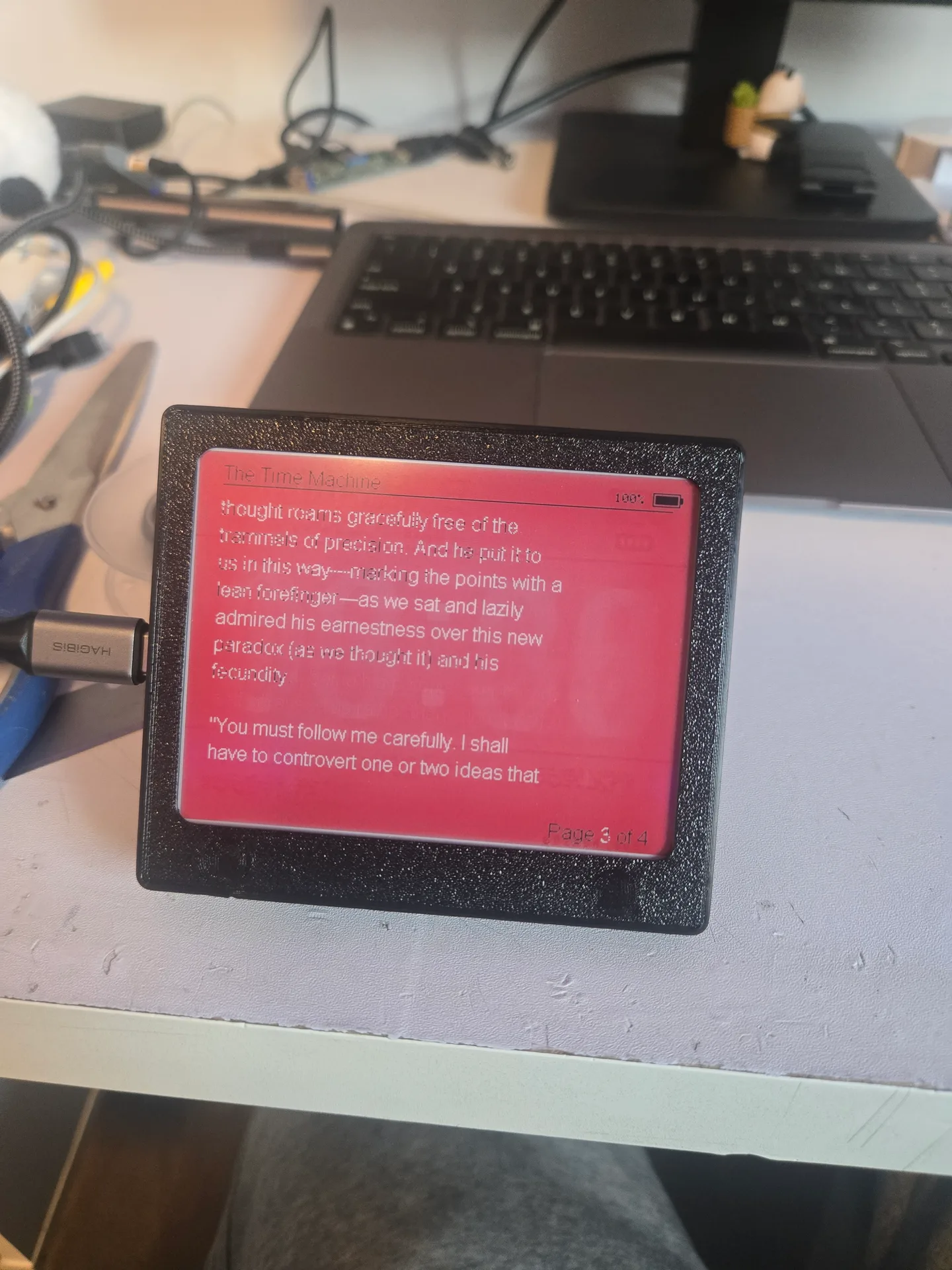
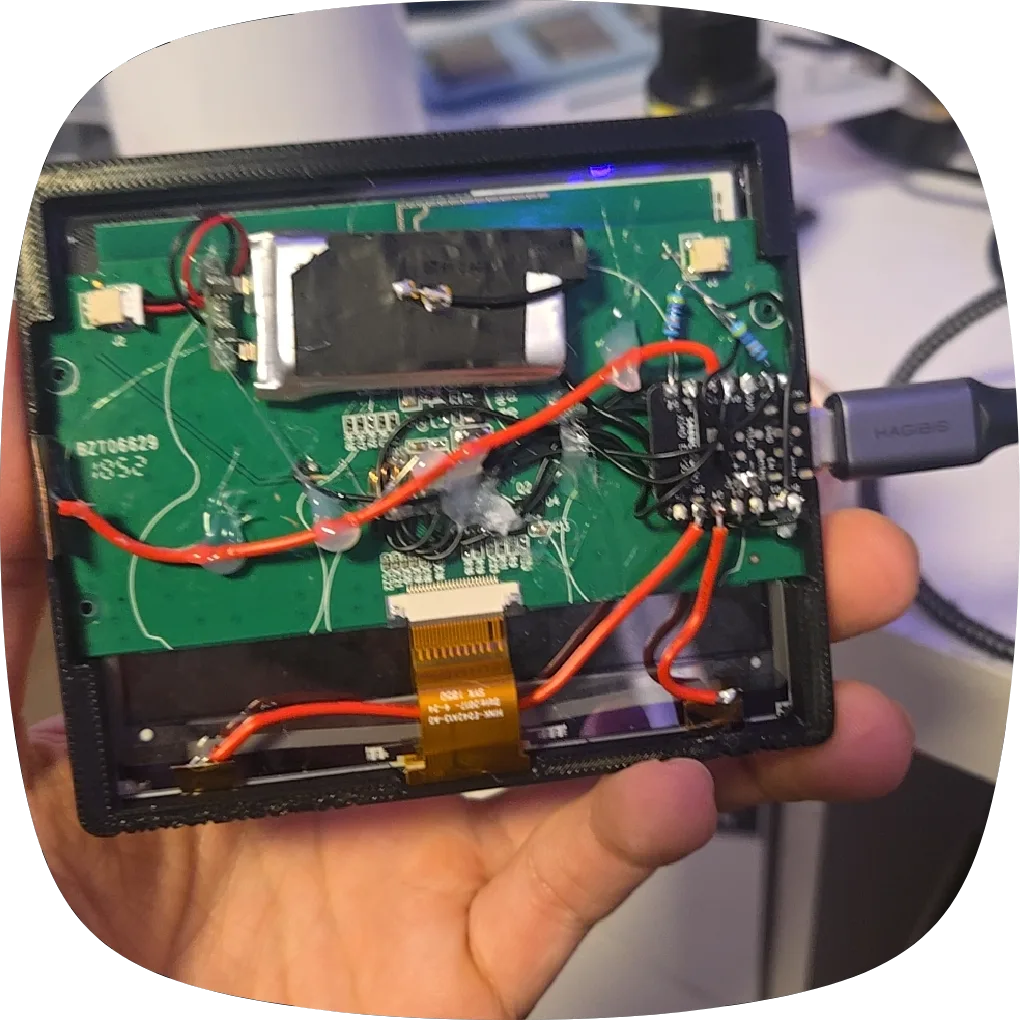
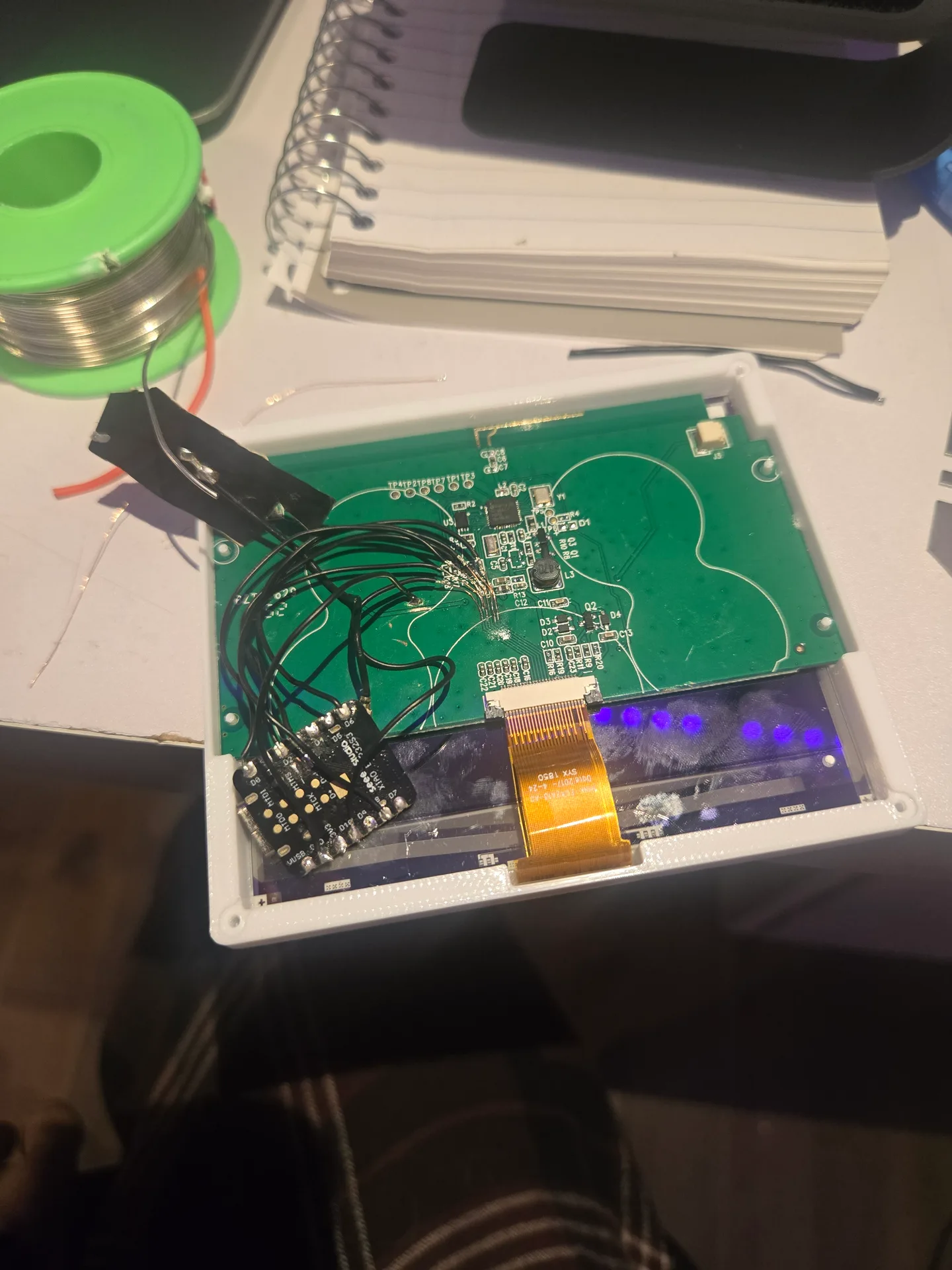
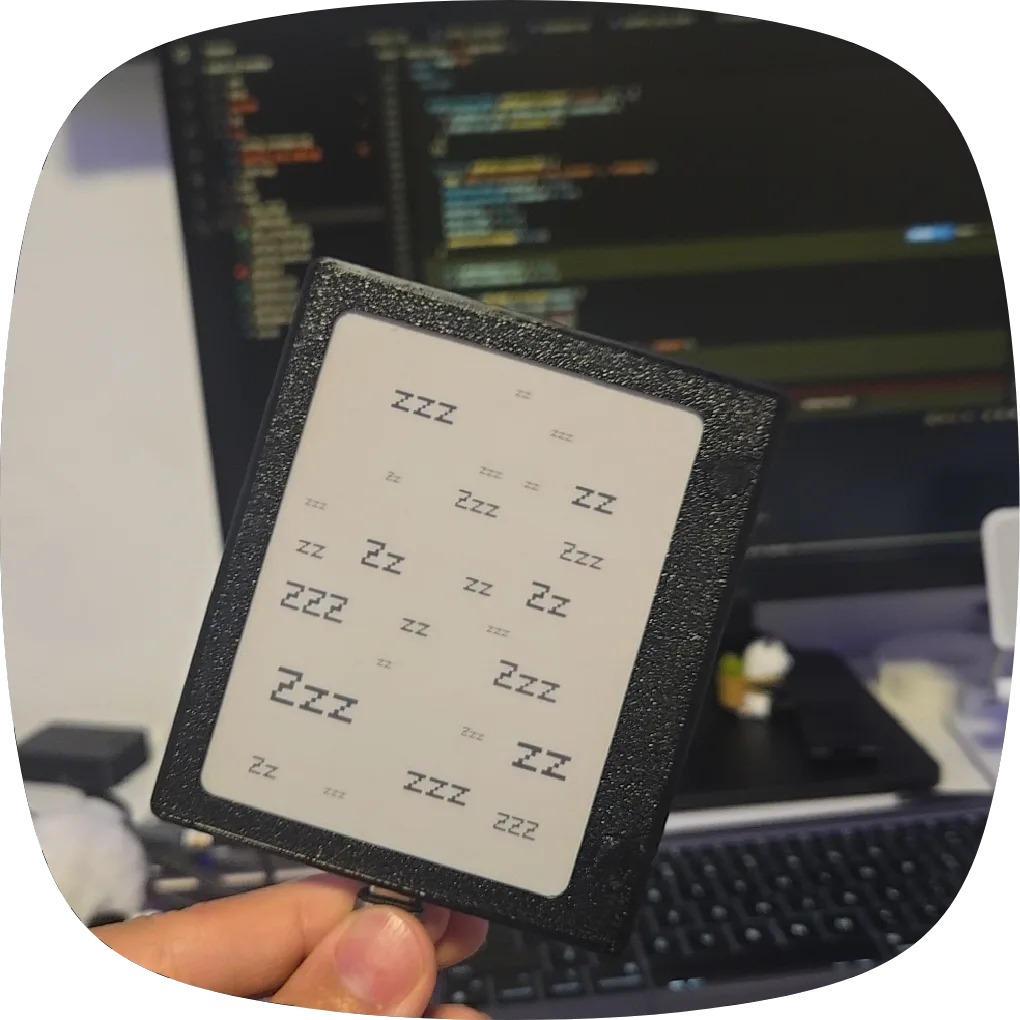
I had an e-ink display from an electronic price tag and wanted to turn it into something useful. I built it into a small e-reader for my girlfriend, with a custom book format designed to keep a passage easy to find in its printed counterpart. The project combines a salvaged display, a XIAO ESP32-S3, custom firmware, and a 3D-printed case.
The Reading Experience
The book format is designed to preserve useful references between the ebook and the physical book. Instead of relying only on screen-specific page numbers, it keeps chapter and within-chapter location cues, so a reader can find the corresponding passage in the printed copy. The same book reference can be used across different screen sizes and orientations, while the device lays out text for its current display.
The firmware supports landscape and portrait reading, saved per-book progress, a library menu, and a low-power sleep state. Three capacitive touch pads navigate the interface: previous, next, and menu/select. I have also designed a separate case with physical buttons, but I am testing the touch version first before deciding whether to switch.
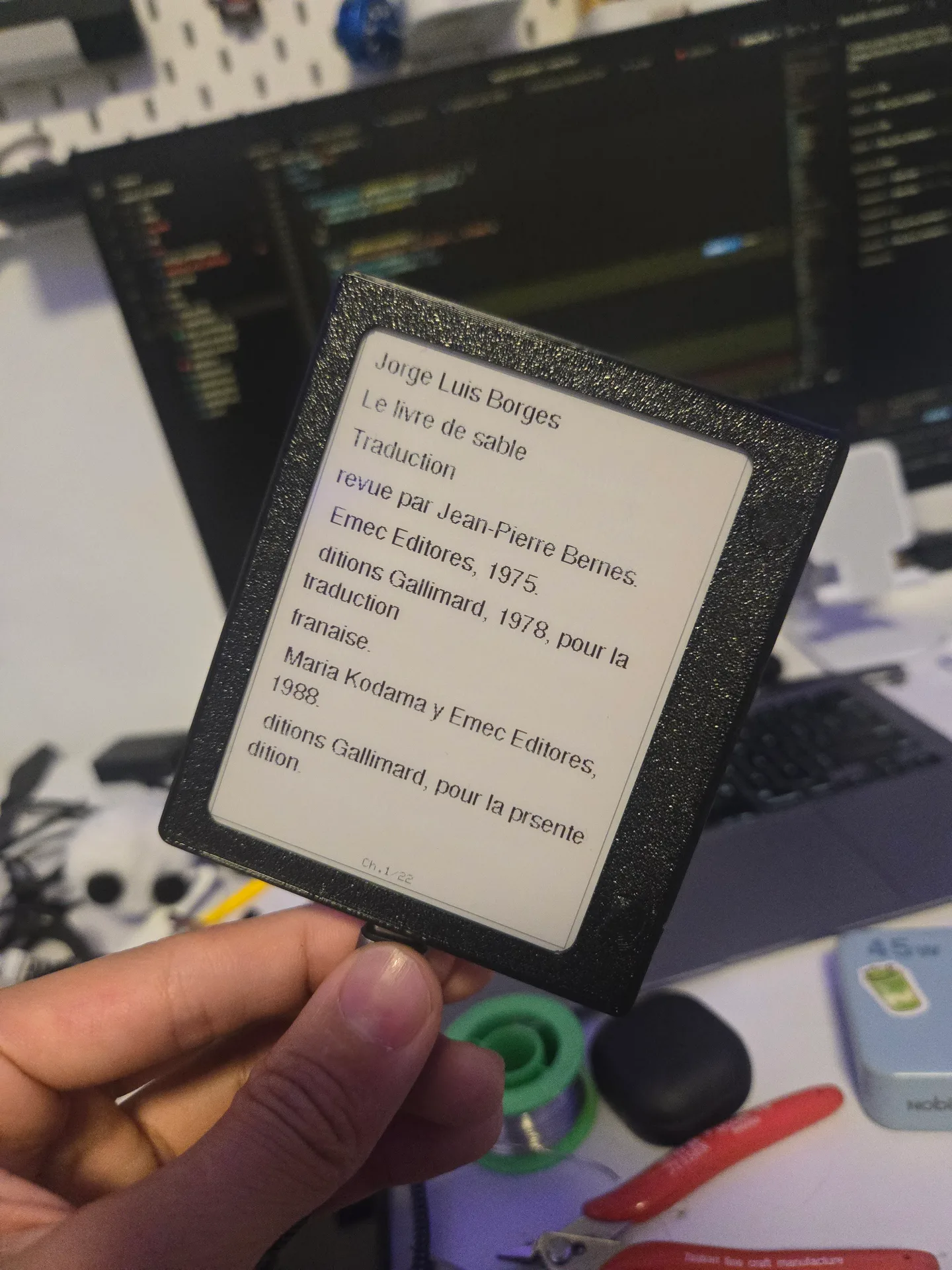 The finished reader in its printed case
Hardware and Firmware
The build uses a salvaged 12-dollar e-ink price tag, a Seeed Studio XIAO ESP32-S3, and a custom PETG enclosure. The firmware drives the tag's e-paper display and stores books and reading progress on the device. It also supports book management and firmware updates over Bluetooth Low Energy, with a browser-based transfer tool in the project repository.
The display is a 400 × 300 monochrome panel driven by an SSD1619 controller. Its e-paper image remains visible without continuous power. The firmware uses partial updates for page turns and full refreshes to clear accumulated ghosting; it also enters deep sleep when reading is paused.
Books use a custom .ebk format. The current text format stores a title, author, table of contents, and UTF-8 text; the ESP32-S3 paginates and reflows that text for the chosen orientation. A legacy format stores pre-rendered monochrome pages. Books live in flash storage, and the reader saves each book's progress so it can resume at the last position.
The firmware also supports changing orientation, a reading view that hides parts of the interface, and a browser tool for managing books over Bluetooth Low Energy or USB serial. BLE is enabled for a limited sync window, and the tool can also install firmware updates.
Case Design
I designed the case in Onshape around the salvaged display and XIAO board, then printed it in PETG. The touch version uses a snap-on casing. I also modeled an alternate buttoned case, but will test the touch controls before using that version.
The fine display jump wires are delicate, so I added UV-curing epoxy around their connections to help keep them from peeling away. I routed the touch-pad wires through the pad and used hot glue to hold them away from the pad's faces and nearby PCBs. The glue provides a flexible support that holds the wire routing in shape; for this prototype I chose it because I can remove it with 99% isopropyl alcohol if I need to rework the layout.
Cost
- E-ink price tag: about $12
- Seeed Studio XIAO ESP32-S3: about $8
- Wires, PETG case, and miscellaneous materials: about $3
- Time: about 1 day on the first attempt and 2 on the final attempt, spread around school
Total: about $23 and 3 days
Trace Repair and Next Revision
The hardest part was disconnecting the price tag's original MCU from the e-ink panel without damaging the display PCB. On my first attempt, I used a Dremel and cut too deeply, making the damage irreversible. I also connected power to the wrong point and shorted an inductor.
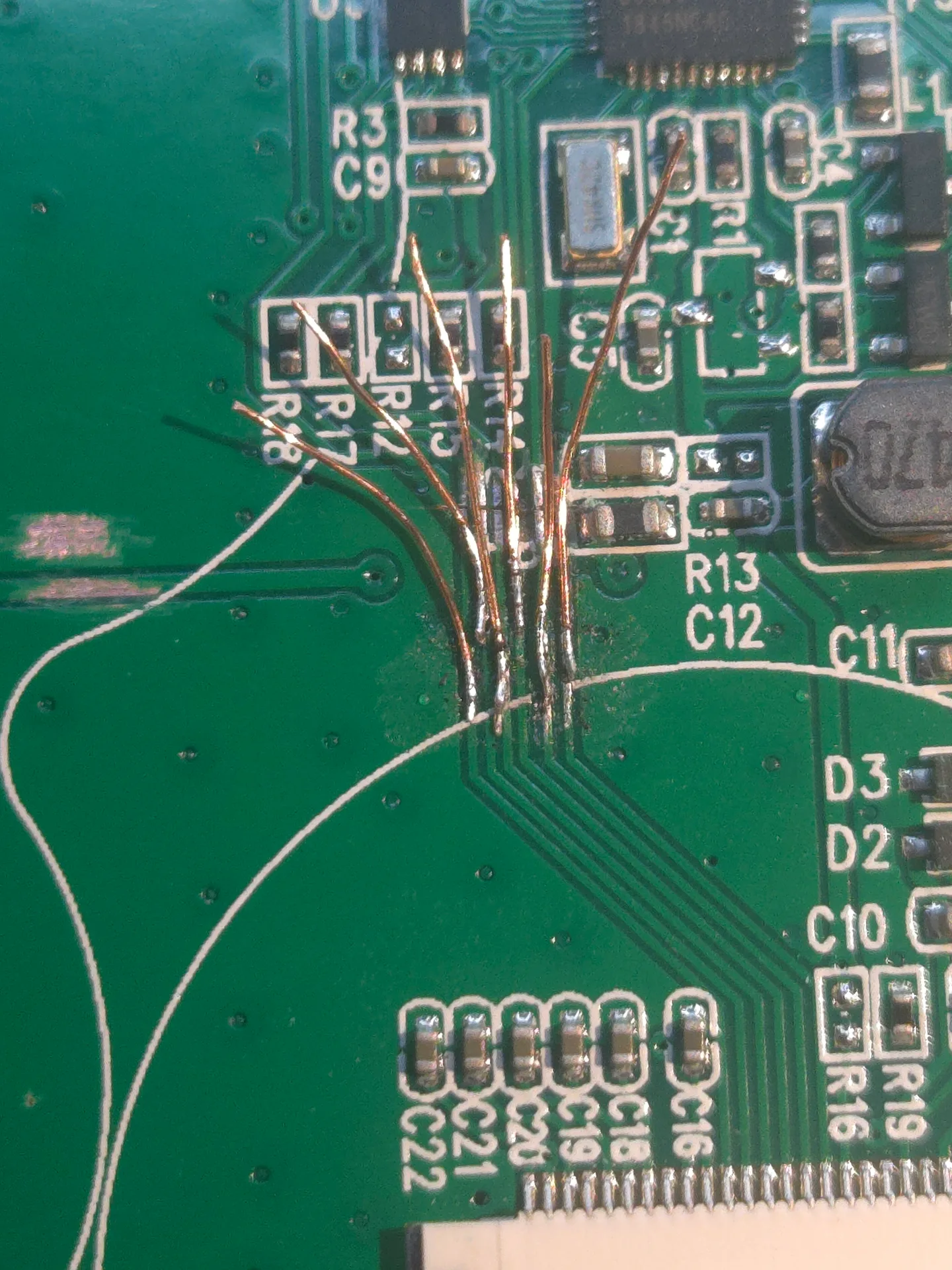
For the second attempt, I cut the traces carefully with a small blade, then soldered 0.25 mm enamelled copper jump wires to reconnect the display to the XIAO. That made the panel work with the new controller. Having a spare price tag made it possible to try again after the first board was damaged.
Touch sensing also needed tuning. Display SPI traffic and the e-paper panel's charge pump could disturb capacitive readings, while grip and ambient changes shifted the touch baseline. The firmware pauses touch sampling during display transfers, waits after refreshes, filters common multi-pad readings, tracks the baseline, and reinitializes touch sensing after waking from deep sleep. Serial telemetry helped diagnose the raw readings and wake behavior. I used Antigravity and AI assistance while developing and debugging these firmware behaviors.
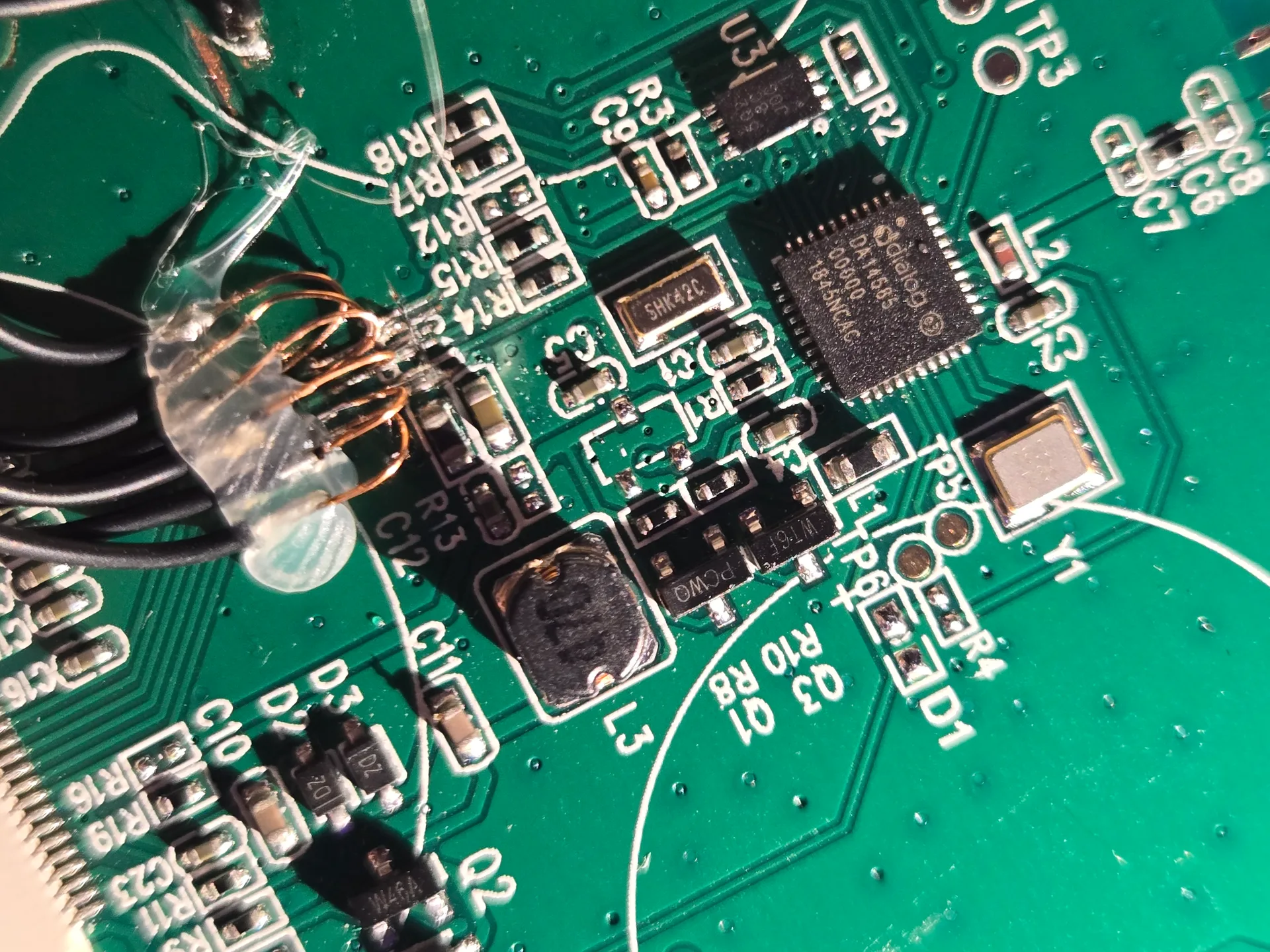 The display traces after the careful cut and repair
Next time, I would use the same blade-and-jumper-wire method from the start. I also want to repair the original PCB and build another reader from the spare display, and replace the capacitive pads with physical buttons.
Files & Links
Built at 17 years 7 months